When starting self-employment, it is good to have a clear financial plan.
One of the best investments you can make early in your self-employment career is to buy financial management software. But not all financial management apps are the same.
There are two main types of financial management apps:
A cashbook app records your inflows and outflows of money from your bank accounts. Cashbook apps are digital cash books (those old, musty ledgers from 20 years ago). It handily captures the date of your transaction, the payee and the amount.
Each transaction is allocated a category, and by the end of the period, you can figure out how much you spent in a particular category.
Cashbook spreadsheet templates are plentiful, and if you don’t mind doing a bit of Excel wizardry, they can serve as a good option. Personally, I prefer PocketSmith to keep track of my spending as the user interface is intuitive, I don’t have to worry about mucking up the formulas, and there is less error in my data entry.
1. Ease of use
Cashbook apps are designed to be used by laypeople. It’s very difficult to muck up the settings so badly in a cashbook app that your finances are unreadable. If you have a cashbook app that connects to a bank feed, this means that your only input into the system is matching and creating categories for your bank feed transactions.
2. Cost-effective
Cashbook apps tend to be cheaper than accounting software. This allows you to save on costs, which can be quite crucial when first starting up a business.
3. Basic reporting
Most cashbook apps have the ability to generate basic reports. The usual reports are:
4. Financial visibility
Ultimately, a cashbook app is a simple app that lets you look at all your finances in one place. PocketSmith is very good at this as it summarises your financial standing on its dashboard, making it easy for you to gauge your financial performance at a glance.
Cashbook apps, as you may have guessed, are low on features. You can’t usually generate financial statements from cashbook apps. Also, banks don’t usually accept profit-and-loss reports generated by cashbook apps. This can be crucial if you need to apply for a loan from a bank.
If you’re looking for more heavy-duty financial reporting capabilities, you need to be looking at:
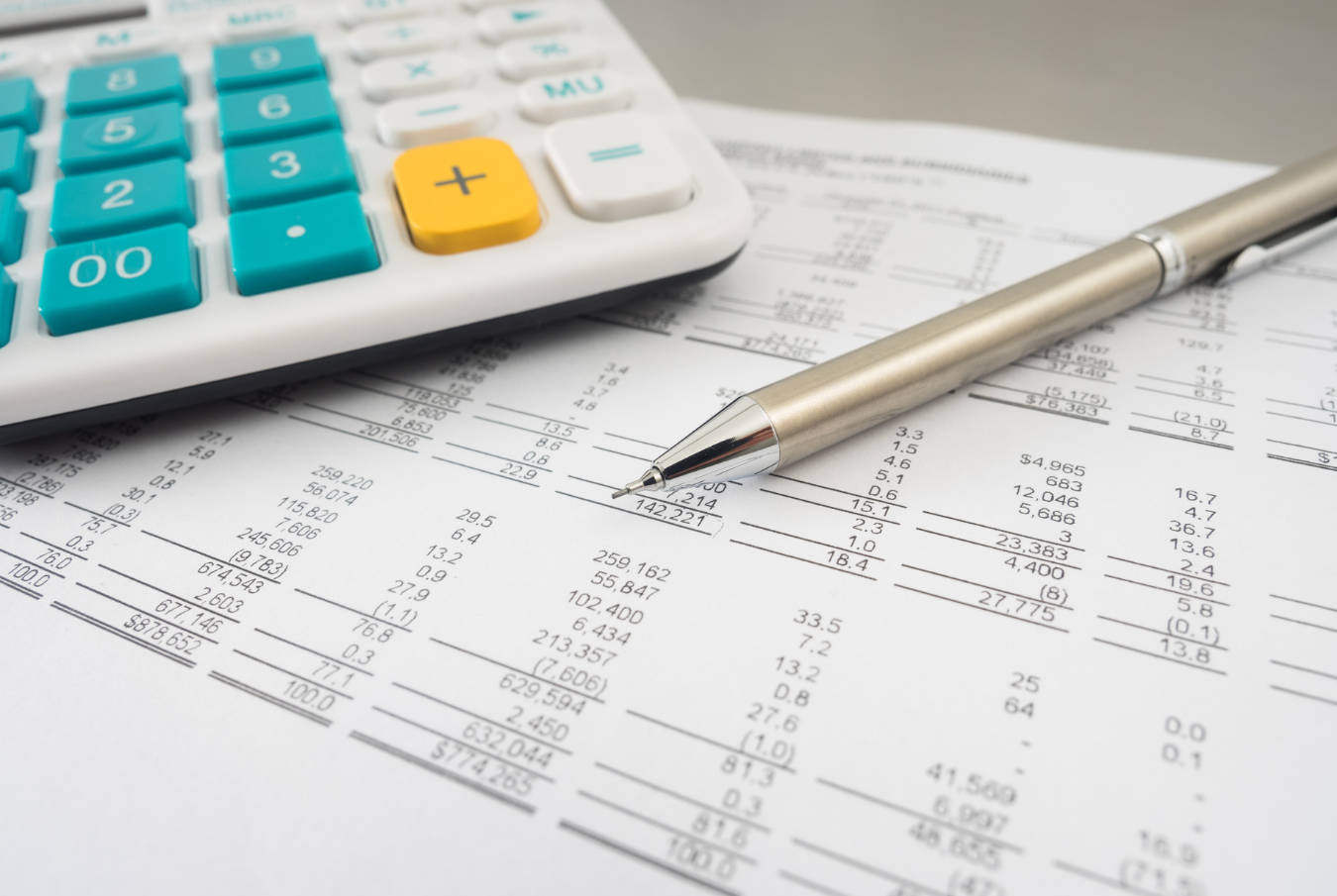
While retail cashbook apps are a recent innovation, accounting apps (or software, as they used to call them) have been around since the 1980s. There are a lot of options out there. But within the New Zealand/Australia/South East Asia area, the most popular ones are MYOB, Xero and QuickBooks.
In writing about my experience with accounting apps, I’ll talk about my experience using Xero (since that is what my firm primarily uses). Other accounting apps typically have similar features, so this article should be relevant to most accounting apps out there.
With that out of the way…
1. It’s not just a cashbook
All accounting apps are built with double-entry in mind. This means that for every transaction, there is an equal, balancing transaction. Accounting types (like me) call this the ‘Debit-Credit’ balance. For every debit, there is a credit and vice versa.
For example, if I took a loan of $100,000, I would debit my bank account $100,000 and credit my loan account $100,000.
Most cashbooks lack this functionality, treating all transactions as either ‘cash in’ or ‘cash out’. So this example above would be a simple ‘cash in’ transaction of $100,000 for a cashbook. It would also look like income on your cashbook (instead of a loan).
2. Maintaining a detailed ledger
Since accounting apps use a double-entry system, you can keep track of each individual account. This is especially useful if you have loans, supplier credit and outstanding invoices from your customers you need to keep track of.
3. Financial reporting
In my opinion, this is the main reason to use accounting apps. Basic financial reporting tools that most accounting apps offer are:
4. Tax filing
Some accounting apps like Xero and MYOB allow you to file GST through their apps. Not the most crucial feature, but certainly handy to have. Income tax will still have to be manually filed. Sorry!
Accounting apps are pricey!
Generally speaking, they can cost three times as much as a cashbook app. This is largely due to their complexity. Furthermore, they can be overkill for someone looking to simply gain some visibility over their financial ins and outs.
Accounting apps also only work really well if they are focused on business entities. In my experience, trying to load all your personal investments into an accounting app creates an information overload, which affects the quality of the reports that you are generating.
If you choose to use an accounting app for your personal stuff, make sure that you don’t use the same one for your self-employed stuff. This can get very confusing if you start mixing things together!
Which is what I do personally.
PocketSmith for all my home expenses.
Xero for all my business accounts.
This is PocketSmith’s strength — keeping track of home expenses. I have had clients track self-employed income on PocketSmith, but the system is not designed to support financial reporting for businesses.
Instead, PocketSmith excels in capturing the ins and outs of your household expenditure. To keep the house finances in order, you really only need to know two things:
With regular transaction tracking, you will also be able to work out the timing of your cash ins and outs. I use PocketSmith mainly to keep track of our family spending. This allows us to fine-tune our budget for rainy days and save up on areas where we’re spending excessively.
Since PocketSmith is easy to use and understand, it is easy for me to share PocketSmith reports with my wife. We try to do this monthly to keep track of where our finances are and how close we are to meeting our financial goals (paying off that mortgage!).
I also prefer budgeting on PocketSmith (you can ‘budget’ on Xero, but it’s not very user-friendly) as it is easy to use and allows for budget rollovers. Which is a very handy thing to have! This feature allows me to observe where we are on our monthly budget for items like groceries, mortgage, fuel, etc. This is not something that is easy to do on accounting apps.
I like using Xero for the business because it scratches my accounting brain in all the right places.
Financial reports? Check.
Customer invoices in one place? Check.
Loan and asset balances updating in real time? Check.
I don’t waste my time with Xero’s budgeting feature because I don’t need it for the business. I have third-party forecasting software that does that for me. In fact, Xero has an open ecosystem with various add-ons that you can install to enhance it. Which is quite handy.
Xero is a great tool for invoicing clients and checking how much I owe suppliers. I can also generate financial reports that tell me everything I could possibly want to know about my business.
But in saying that, I am an accountant. If you are self-employed, you could consider hiring an accounting firm, and they’ll just handle your accounting app operations for you (which is what we typically do for our clients). And then you can focus on doing your personal stuff on PocketSmith. Hah!

Practically speaking, the time I spend in Xero is much like the time I spend in PocketSmith — matching/reconciling bank feeds to the correct account/category.
Occasionally, I will check a client’s invoice details on Xero. Sometimes I generate a financial report for myself and the team to review. But if the need calls for it, I can rely on the accounting app’s powerful features to give me a more in-depth view of what is happening in my business. I also generate GST returns overviews so that I know how much I need to put aside for GST.
In PocketSmith, after I am done categorising bank account transactions, I will review our current financial standing. Then I’ll call my wife over for a discussion (mainly to talk about where we spent big and where we can cut costs). This review affects how much I take for personal drawings out of the business.
But while the base activity of matching bank feeds is rather similar, the difference is in the outcomes of said matching.
For a cashbook app, you are looking for a quick, simple overview of your home financial situation.
For an accounting app, you want certainty in your financial reports and tax liabilities and visibility of your assets/liabilities.
You can use PocketSmith for self-employment. If you are starting out and are doing contract/freelancing work, PocketSmith should be enough in the beginning.
Just remember to use a separate PocketSmith and bank account (not your personal account) to run your self-employed PocketSmith stuff. As the business grows, you can always consider switching over to a full-featured accounting app down the line. You can still get your accountant to verify your income statements generated on PocketSmith to get banks to accept your financials.
When the business starts to need things like built-in invoicing, supplier tracking and tax reporting, then you probably want to switch to an accounting app.
In short, there is no ‘one right way’ to manage your self-employed finances alongside your home finances.
There are a lot of different options out there that you can choose from. You may even decide to use different apps for different categories of financial assets (tracking property/shares, etc).
I hope that this guide has been useful in outlining the differences between a cashbook app like PocketSmith and the other accounting apps out there.
Do what works for you, and stay positive!

Sam is the director of SH Advisory, an online accounting firm for small businesses and startups in NZ. He is also the creator of The Comic Accountant, an internationally-read finance comic blog. With 15 years experience in accounting and finance, he loves sharing quality financial advice with small business owners everywhere. In his spare time, he likes to nerd out over the latest board game launches and great PC gaming deals online. If you need help with your small business and startup, Sam is the person you want to talk to!